People keep sleeping on NotebookLM (AI)
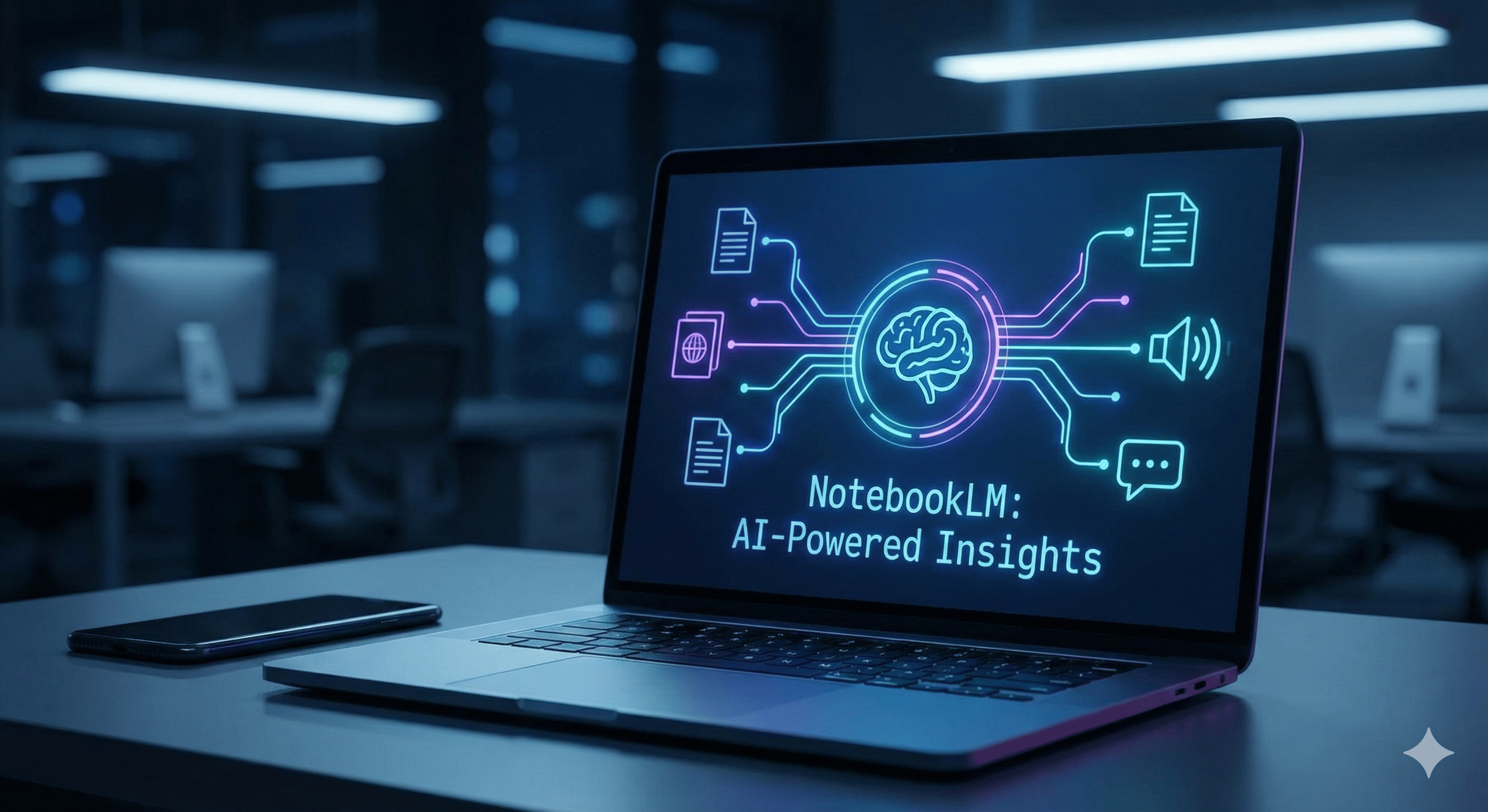
NotebookLM is Google’s AI-powered notebook that is unique because it is "grounded" - meaning it answers questions only using the documents you upload, minimizing the "hallucinations" common in other AI tools.
1/17/20264 min read
People keep sleeping on NotebookLM (AI)
NotebookLM is Google’s AI-powered notebook that is unique because it is "grounded" - meaning it answers questions only using the documents you upload, minimizing the "hallucinations" common in other AI tools.
Here are 5 types of people who will find it indispensable, followed by 10 specific use cases (5 essential, 5 surprising).
The 5 Perfect Profiles for NotebookLM:
Students & Academics (The "Deep Dive" Researcher): People drowning in PDFs, lecture notes, and citations who need to synthesize massive amounts of reading quickly without losing accuracy.
The Content Creator: YouTubers, podcasters, and writers who need to repurpose one core idea into blogs, tweets, scripts, and newsletters efficiently.
The Corporate Strategist: Project managers or executives who need to find a "needle in a haystack" across hundreds of meeting transcripts, Q3 reports, and compliance documents.
The World Builder (Fiction Writers & Gamers): Novelists or Dungeon Masters (D&D) who need to keep track of complex lore, character backstories, and timeline consistency across thousands of pages.
The Auditory Learner: People who learn better by listening than reading and want to consume dry reports or textbooks as engaging audio content while commuting or cooking.
So, if you fall into one of these categories, here are 5 Common "Bread & Butter" Uses & 5 Surprise Uses for you....
5 Common "Bread & Butter" Uses
These are the features NotebookLM is famous for.
1. The "Instant Podcast" (Audio Overviews) This is the viral feature. You can upload a boring 50-page PDF (like a legal contract or technical manual) and NotebookLM will generate a stunningly realistic "podcast" where two AI hosts banter, joke, and explain the key concepts of your document.
Best for: Commuters or auditory learners who want to "read" a report while driving.
2. Search Engine with Limited Hallucination - unlike several others, which pulls from the entire internet (and sometimes makes things up), NotebookLM creates a "walled garden." You can upload 10 specific sources and ask, "According to these documents, what is our Q3 strategy?" It will answer only based on your data and provide inline citations to the exact paragraph.
Best for: Researchers and students requiring strict accuracy.
3. Meeting Transcript Synthesis Upload raw transcripts from Zoom or Google Meet. Instead of reading the whole thing, ask: "List all action items assigned to Sarah" or "What was the main disagreement regarding the budget?"
Best for: Project Managers and Corporate Strategists.
4. Study Guide & Quiz Generation Upload your class notes or a textbook chapter and prompt: "Create a 10-question multiple choice quiz based on this text" or "Create a glossary of the most difficult terms found in these notes."
Best for: Students prepping for finals.
5. Content Repurposing Upload a script from a video you made. Ask NotebookLM to: "Turn this script into a LinkedIn post, a Twitter thread, and a formatted blog post." It preserves your tone but adapts the format instantly.
Best for: Content Creators.
5 "Surprise" Uses
These are creative, less obvious ways to leverage the tool's unique constraints.
6. The "Roast My Draft" (Critique Partner) Upload a draft of your essay, email, or pitch. Then, instead of asking for a summary, prompt it with a persona: "You are a skeptical venture capitalist. Read this pitch and tell me exactly why you would NOT invest." Because it is grounded in your text, the critique is often brutally specific and helpful.
Best for: Entrepreneurs and Writers.
7. The "Lorekeeper" (Continuity Checker) For writers or RPG players with hundreds of pages of notes, it is impossible to remember every detail. Upload your entire series bible or campaign notes and ask: "Does the description of the magic system in Chapter 10 contradict what I wrote in Chapter 1?" or "What is every known location the protagonist has visited?"
Best for: Novelists and Dungeon Masters.
8. The "Diff" Checker (Compare & Contrast) Upload two similar documents - for example, a revised contract and the original, or a competitor's product page and your own. Ask: "Identify the material differences between Source A and Source B." It excels at spotting subtle changes or feature gaps that a human eye might skim over.
Best for: Lawyers, Freelancers, and Strategists.
9. "Interview" a Static Book Upload a classic public domain book (e.g., The Art of War) or a long technical manual. You can then treat the book as a person. Ask: "If I am a middle manager in a tech company, how would you apply Chapter 3 to my situation?" It turns static reading into an interactive coaching session.
Best for: Lifelong Learners.
10. Pattern Recognition in Feedback Upload 50 separate PDF exports of customer support tickets or survey responses. Ask: "What is the most frequent emotional complaint mentioned across these tickets?" It can identify qualitative trends (feelings/sentiments) that standard keyword searches miss.
Best for: Product Managers and Marketers.
AI tools like NotebookLM are changing the game for consultants, small business owners, realtors and content creators, but keeping up with the updates can feel like a full-time job. Fortunately, you don't have to figure it out alone. NotebookLM is powerful, but knowing how to use it is only half the battle - integrating it into your daily workflow is where the real magic happens. If you’re ready to stop drowning in documents and start leveraging AI to scale your business, let’s talk. Send me a quick DM, visit AskKarma.ai, or schedule a meeting today, and let's build a strategy that works for you. 💪🏽💥